Over the past few months, almost every Meta account we open for a new client has looked the same: campaigns built with the suggested settings, a budget that keeps rising, results that swing up and down, and nobody able to explain why. Meta has pushed hard towards automation with Advantage+, and there is no going back. The right question is not whether to use it, but what is still in the hands of whoever runs an e-commerce business.
What changed with Advantage+ Sales
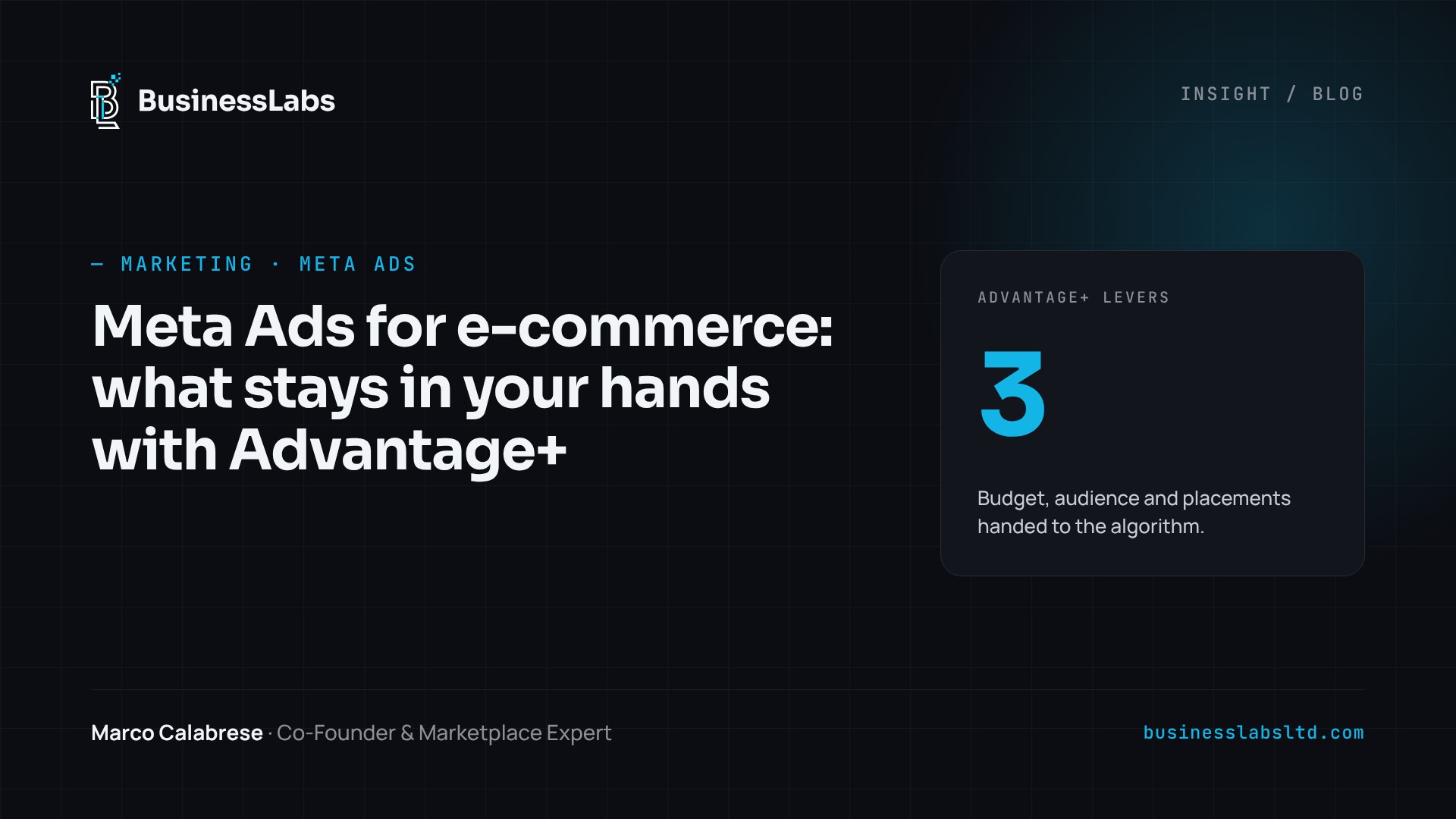
The old Advantage+ Shopping campaigns have been replaced by Advantage+ Sales, and it is more than a new name. A sales campaign counts as Advantage+ when three levers are switched on together:
- Advantage+ budget, managed at campaign level;
- Advantage+ audience, where your segments become suggestions rather than hard limits;
- Advantage+ placements, with no manual placement exclusions.
Compared with the previous format, ad sets are back, with a limit of 50 ads each, and the budget cap for existing customers has gone. On the API side, in October 2025 Meta announced the retirement of the old Shopping campaigns: the ones already running keep going, but they need to be migrated. If your account still has campaigns set up years ago, now is the time to review them.
The signal matters more than targeting
With the audience handed to the algorithm, the quality of the data you send it becomes the real lever. A badly installed pixel or duplicated events lead the algorithm to optimise towards the wrong people. Before touching the budget, we always check three things:
- that the Purchase event arrives with the correct value and currency;
- that the Conversions API is active alongside the pixel, with deduplication through event_id;
- that the intermediate events (add to basket, checkout started) match what actually happens on the site.
It sounds like dull technical work, and it is. But it is also why two shops with the same budget get very different results.
The catalogue is a marketing asset
Catalogue ads pull titles, images, prices and availability from the product feed. If the feed contains technical titles written for the management system, identical images on a white background, or out-of-stock products that are still live, the algorithm pushes weak ads. The same principle applies to Google Shopping: a well-kept feed makes more difference than any campaign setting. In practice this means readable titles, correctly grouped variants, product sets split by margin and frequent stock synchronisation.
Creative is the new targeting
When you no longer choose who sees the ad, the ad itself selects the audience. A video showing a concrete problem attracts people who have that problem; a generic image attracts everyone and converts poorly. That is why we work with groups of creatives built on different angles, not variations of the same idea with the colours changed:
- the problem the product solves;
- a demonstration of use, even one filmed on a smartphone;
- social proof, with real reviews;
- the offer, used sparingly so customers do not get used to discounts.
Creatives need refreshing regularly. When frequency rises and cost per purchase worsens on the same budget, the problem is usually not the campaign but a tired ad.
New customers, or customers who would have come back anyway?
The main risk of automation is that the algorithm takes the easiest route: showing ads to people who already know you and would have bought anyway. The ROAS looks great; real growth does not. Without the old budget cap for existing customers, the cleanest solution is to separate the ad sets, or to exclude customer lists where you genuinely need acquisition. Above all, compare Meta's data with the shop's own figures: new customers in the month, total orders, margin after advertising.
Where to start
If you run an e-commerce business and feel that Meta keeps costing you more without understanding why, try this sequence before increasing the budget:
- check tracking and the Conversions API;
- fix the feed and create product sets by margin;
- prepare at least four different creative angles;
- migrate old Shopping campaigns to Advantage+ Sales;
- measure new customers from your management system, not just from Meta's dashboard.
At BusinessLabs we work this way even when a client comes from Amazon and wants to build their own direct channel: a single point of contact, a 90-day plan and the shop's numbers as the yardstick. Meta's automation works well when you give it good material. The job of whoever manages the account is to make sure it is.
Further reading: Marketing service · Amazon account management · Google Shopping and Performance Max
Originally published on LinkedIn

Co-founder of BusinessLabs since 2023, he leads the marketplace area: strategy, launch and growth of Amazon accounts and expansion into foreign markets, from Europe to the Emirates and South America.
LinkedIn